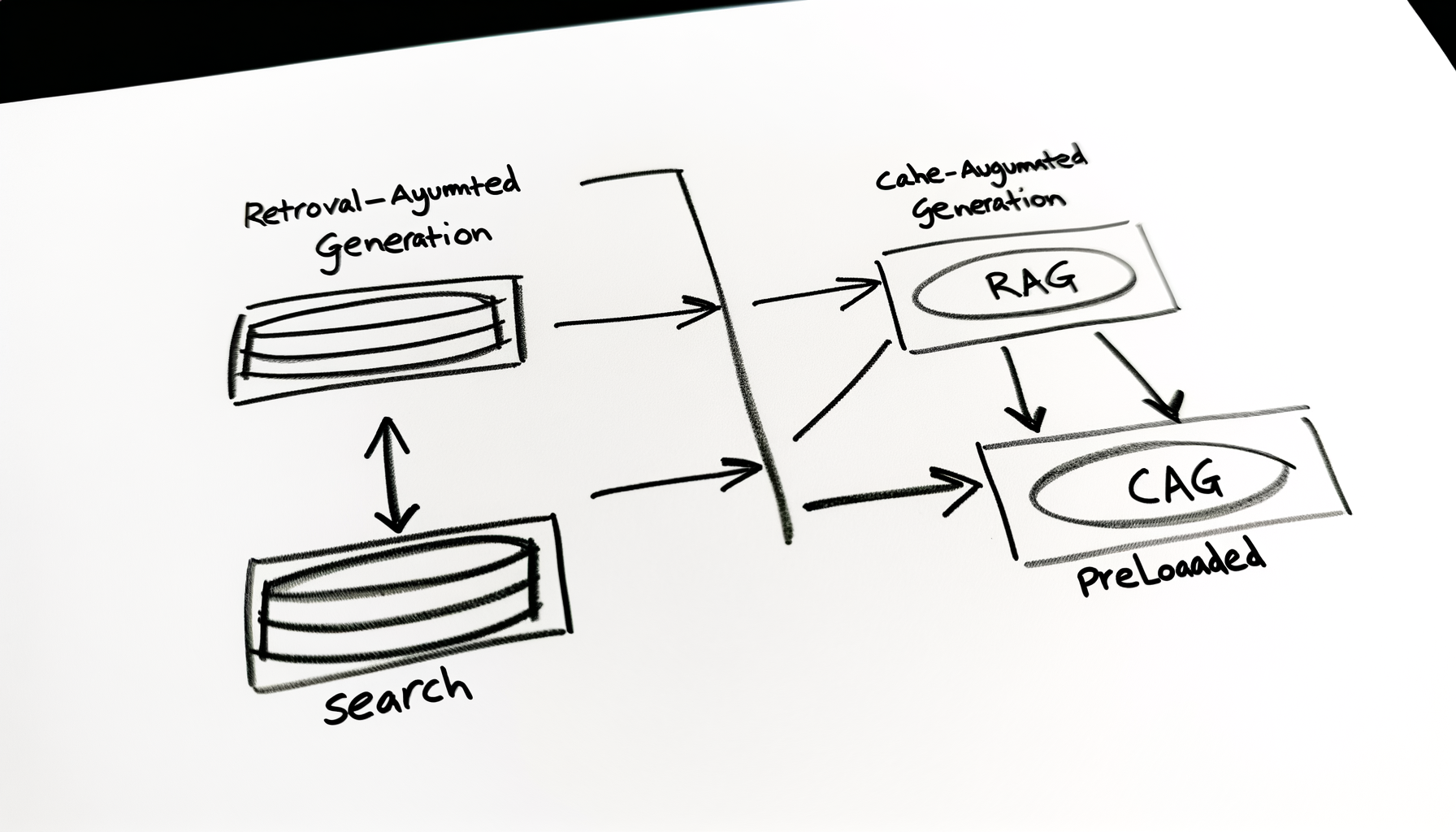

RAG vs CAG: Two Philosophies for Grounding AI
If you’ve been following along, you now know why LLMs hallucinate — they’re probabilistic prediction engines, not databases. They guess what comes next based on statistical patterns learned from the internet.
The solution? Stop making them guess. Give them access to your data.
But here’s the thing: there are two fundamentally different ways to do this. Today we’re comparing them.
The Two Approaches
You’re basically choosing between two philosophies of giving LLMs access to knowledge.
| Aspect | RAG (Retrieval-Augmented Generation) | CAG (Cache-Augmented Generation) |
|---|---|---|
| Core Idea | Retrieve external documents at runtime | Pre-cache knowledge into model context |
| Latency | Higher (retrieval + embedding + generation) | Lower (no retrieval step) |
| Infrastructure | Vector DB required | No vector DB required |
| Freshness | Can access updated data | Static until cache refreshed |
| Scalability | Scales with vector DB | Limited by context window |
| Cost | Embedding + retrieval cost | Larger prompt token cost |
| Best For | Large knowledge bases | Small, stable knowledge sets |
Let’s break this down cleanly and practically.
What is RAG?
RAG = LLM + Vector Database
The model does NOT “remember” your knowledge. It retrieves relevant chunks at runtime.
The Flow
User Query ↓ [Embed Query] ↓ [Vector DB Search] ↓ [Retrieve Top-K Docs] ↓ [LLM Context] ↓ [Generated Answer]The Typical Stack
- Embeddings: OpenAI / BGE / E5 / HuggingFace
- Vector Database: Qdrant, Pinecone, Weaviate, Chroma
- LLM: GPT / Claude / Llama
- Framework: LangChain / LlamaIndex / FastAPI
When RAG is the Correct Choice
- Large document corpus (GBs or TBs)
- Frequently changing data
- Multi-tenant SaaS
- Enterprise search
- Auditability required
The bottom line: If your knowledge base is dynamic → RAG wins.
What is CAG?
CAG = LLM + Preloaded Context
Instead of retrieving at runtime, you preload documents into the model’s context window.
The Flow
Knowledge Base ↓ [Preload Into Prompt] ↓ [LLM] ← [User Query] ↓ [Answer]No vector DB. No retrieval logic. Just a large prompt.
When CAG Works Well
- Small dataset (<100k tokens)
- Stable documentation
- Internal tools
- Low-latency requirements
- Hackathon prototypes
The bottom line: If your total knowledge fits inside the context window → CAG is simpler and faster.
The Brutal Truth
CAG is not a replacement for RAG.
CAG works only because: – Context windows are getting larger (128k, 200k+ tokens) – Models are better at long-context reasoning
But once: – Your data grows → Context window fills up – You need freshness → Re-caching becomes a problem – You need scale → Token costs explode – You need auditability → You can’t trace what was used
You will hit limits.
Practical Examples
Case 1: Company Handbook
Scenario: 200 pages, rarely changes
CAG is fine. – Load it once. – Cache it in memory. – Done.
No retrieval overhead. No vector DB to maintain. Simple and fast.
Case 2: Incident Alert Platform
Scenario: Like what you’re building — alerts constantly changing, historical search needed, context evolving
RAG is the only sane choice.
You need: – Filtering (by severity, service, time) – Classification (what kind of alert?) – Freshness (new incidents added daily) – Search across millions of past alerts
CAG would: – Run out of context window – Require constant cache refreshes – Be impossible to scale
Cost Comparison
Rough mental model:
RAG costs: – Embedding compute – Vector DB infrastructure – Retrieval compute – Lower prompt tokens (only retrieved chunks)
CAG costs: – Huge prompt tokens every request (entire knowledge base) – No embedding cost – No vector DB cost – Context window bottleneck
For high traffic systems, RAG is usually cheaper long-term.
Example: – 1000 requests/day – CAG: 1000 × 100k tokens = 100M tokens/day – RAG: 1000 × 5k tokens = 5M tokens/day + small retrieval overhead
Architectural Maturity
Most serious systems end up in stages:
- Model → Just an LLM (hallucinates)
- Prompt Engineering Only → Better prompts (still hallucinates)
- CAG (Static Context Injection) → Preloaded prompts (works for small, stable data)
- Basic RAG → Vector DB + retrieval (scales better)
- RAG + Re-ranking → Better retrieval precision
- Hybrid Search → BM25 + Vector (combines keyword + semantic)
- Agentic Retrieval → Multi-step, adaptive retrieval
You don’t start at stage 7. But if you’re building something serious, you’ll likely end up there.
Hybrid Approach (Often Best)
Smart systems combine both:
- CAG for: System instructions + stable knowledge
- RAG for: Dynamic or large content
Example:
# CAG part: System instructions + stable knowledge system_prompt = """ You are an incident analysis assistant. Use these rules: - Alert severity levels: [rules...] - Response templates: [templates...] """  # RAG part: Dynamic retrieval context = retrieve_from_vector_db(query, days=90) rag_context = f""" Here are relevant incidents from the last 90 days: {context} """  # Combine prompt = f"{system_prompt}

{rag_context}

User: {query}"
This gives you: – Low latency for core knowledge (CAG) – Freshness for changing data (RAG)
Decision Framework
Ask yourself:
- Is your dataset small?
- Does it change often?
- Do you need auditability?
- Will this scale beyond a prototype?
- Is latency critical?
If you answer “yes” to scale or freshness → use RAG.
If you answer “yes” to small, stable, low-traffic → CAG might work.
Deep Dive: RAG Architecture
If you’re going with RAG (which most production systems do), here’s how it works.
Component 1: Embeddings
Computers don’t understand “meaning” — they understand numbers. Embeddings are the bridge.
An embedding is a vector (array of numbers) that represents the semantic meaning of text.
Example:
# Two sentences with similar meaning query = "What is Kubernetes?" document = "Kubernetes is a container orchestration platform." # Convert to embeddings (simplified) query_embedding = [0.23, -0.17, 0.89, 0.45, ...] doc_embedding = [0.24, -0.16, 0.88, 0.44, ...] # Cosine similarity: measure how close they are similarity = cosine_similarity(query_embedding, doc_embedding) # Result: 0.98 (very close!)Key insight: Similar meanings → similar vectors. Even if words are different.
Component 2: Vector Database
A vector database is optimized for one thing: finding nearest vectors.
Traditional databases (SQL): – Store exact values: “Paris”, “New York” – Query by exact match: SELECT * FROM cities WHERE name = 'Paris' – Great for: Structured data, exact lookups
Vector databases: – Store embeddings: [0.23, -0.17, 0.89, …] – Query by similarity: find_top_k(query_vector, k=5) – Great for: Semantic search, recommendations, RAG
Component 3: Retrieval
Retrieval is the process of finding the most relevant documents.
- Pre-indexing: Convert your documents to embeddings and store them in the vector database
- Query-time: Convert the user’s query to embedding
- Search: Find the k most similar document vectors (typically k=5 to k=10)
- Return: Send retrieved documents to the LLM
Component 4: Generation
Once we have retrieved documents, we feed them to an LLM to generate the answer.
The prompt template:
prompt = f""" You are a helpful assistant. Answer the user's question using ONLY the provided context. Context: --- {document_1} {document_2} {document_3} --- Question: {query} Answer: """Key rules: – Tell the model to use ONLY the provided context – Explicitly discourage using outside knowledge – This forces the model to be grounded
Why RAG Solves Hallucination
Let’s connect this back to Part 1’s hallucination problem.
The Four Pillars of Hallucination
- Probabilistic Generation: LLMs guess next words
- Confidence Formatting: They sound confident even when wrong
- Training Data Errors: They’ve learned incorrect information
- No Fact-Checking: They can’t verify against sources
How RAG Addresses Each
| Hallucination Cause | RAG Solution |
|---|---|
| Probabilistic Generation | Grounding forces the LLM to use retrieved data, reducing guesswork |
| Confidence Formatting | Context-bound prompts tell the LLM “say ‘I don’t know’ if the answer isn’t here” |
| Training Data Errors | RAG uses YOUR data, not the LLM’s potentially flawed training data |
| No Fact-Checking | Retrieval IS fact-checking — looking up sources before answering |
The key insight: RAG shifts the LLM from “guesser” to “summarizer.”
Common RAG Pitfalls
1. “Lost in the Middle” Problem
When you retrieve too many documents, the LLM might ignore those in the middle.
Documents provided: [A, B, C, D, E, F, G, H, I, J] LLM uses: A, B, I, J (ignores C-H in the middle)Solution: Limit retrieved documents (k=5 to k=10) or prioritize using re-ranking.
2. Retrieval Bias
If your vector database is indexed with poor quality data, retrieval returns poor results.
# Garbage in → Vector DB → Garbage out → LLM → Hallucinated answerSolution: Clean your documents before embedding. Remove duplicates, formatting issues, irrelevant sections.
3. Context Window Overload
If retrieved documents exceed the LLM’s context window, content gets truncated.
Context: [Doc 1, Doc 2, Doc 3, Doc 4, Doc 5 ... Doc 20] LLM sees: [Doc 1, Doc 2, Doc 3 ... Doc 8] ← Docs 9-20 cut off!Solution: Summarize retrieved documents or use a model with larger context.
When RAG Doesn’t Help
RAG isn’t a silver bullet. It’s less effective when:
- Answer requires synthesis: “Compare Kubernetes and Docker Swarm” (needs knowledge from many documents)
- Answer requires creativity: “Write a poem about Kubernetes” (retrieval isn’t useful)
- Data doesn’t exist: “What’s the latest Kubernetes feature?” (if your docs are outdated)
- Answer requires reasoning: “If I scale to 1000 pods, what happens to my network latency?” (RAG provides facts, not causal reasoning)
The bottom line: RAG solves knowledge problems, not reasoning problems.
The RAG Stack
To build a production RAG system, you’ll need:
Core Components
- Embedding Model: OpenAI
text-embedding-3, HuggingFacesentence-transformers, or local models - Vector Database: Pinecone, Weaviate, Qdrant, or Chroma
- LLM: GPT-4, Claude, Llama, or domain-specific models
- Orchestration Framework: LangChain, LlamaIndex, or custom code
Optional Enhancements
- Re-ranker: Cross-encoder models for better retrieval
- Citation System: Link answers to source documents
- Evaluation Framework: RAGAS, TruLens, or custom metrics
- Monitoring: Track retrieval accuracy, latency, user satisfaction
Looking Ahead
In the next post, we’ll dive deep into Vector Databases — the heart of any RAG system. We’ll explore:
- How vector databases index and search
- Different indexing strategies (HNSW, IVF, PQ)
- Choosing the right vector database for your use case
- Performance optimization (latency, scalability)
Final Take
CAG is a simplicity hack. RAG is a production architecture.
If you’re building something serious — especially observability, alerts, or AI infra tooling — start with RAG. You’ll end up there anyway.
This is Part 2 of a 7-part series on AI & RAG.
Previous: [Why LLMs Hallucinate (And Why You Shouldn’t Be Surprised)] Next: [Vector Databases]